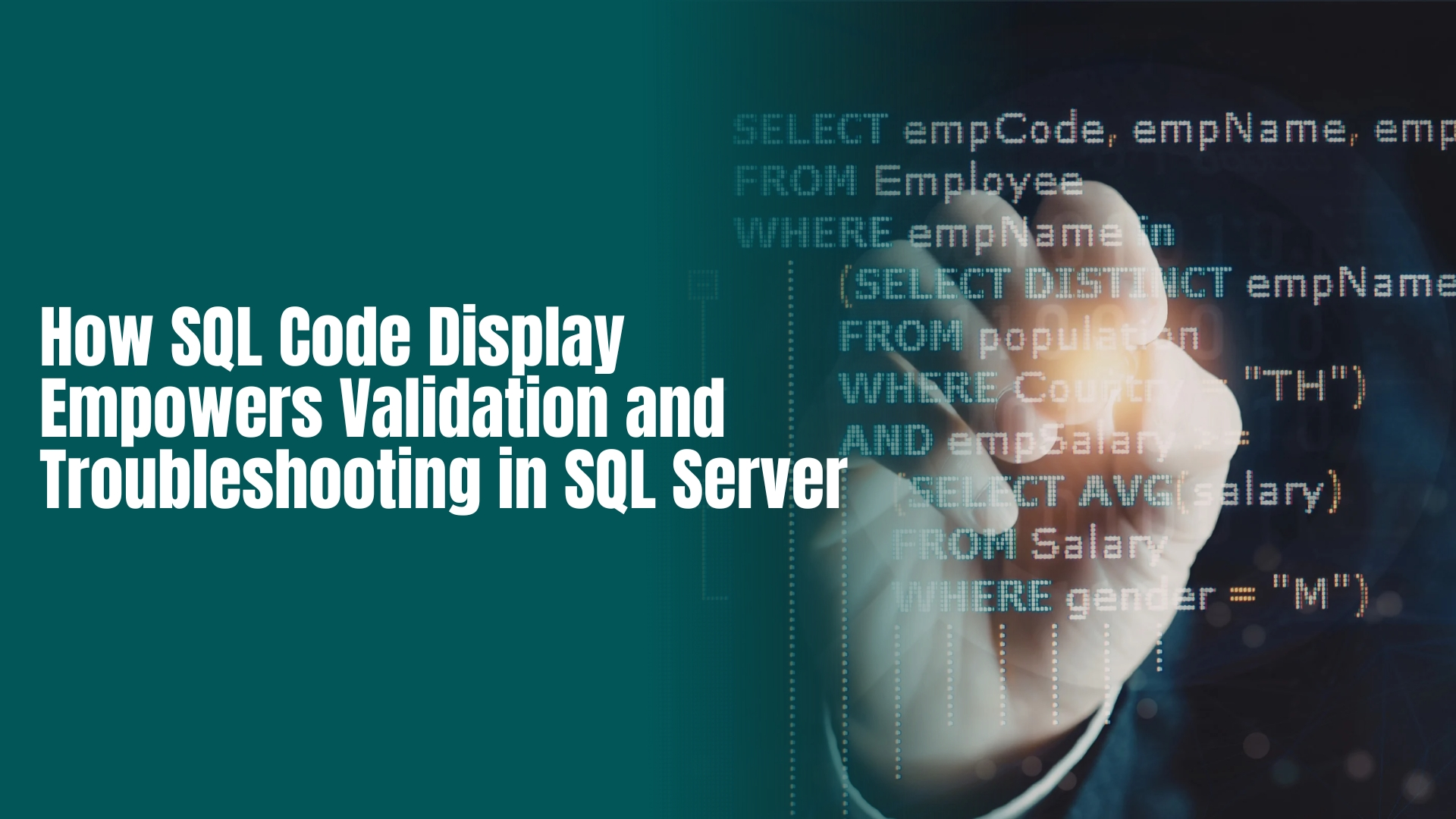
In the modern data landscape, the role of a Database Administrator (DBA) or SQL Developer has shifted from simple maintenance to complex architectural oversight. As systems grow in scale, the “black box” approach to database management becomes a liability. This is where SQL Code Display the ability to instantly visualize the underlying T-SQL of any database object—becomes a critical asset.
Whether you are debugging a failing stored procedure or optimizing a sluggish index, visibility is the precursor to resolution. In this article, we explore how enhanced code visibility through tools like DBInsights transforms the way teams handle SQL Server troubleshooting and validation.
1. The Critical Role of Code Visibility in Validation
Validation in SQL Server isn’t just about syntax; it’s about logic assurance. When you can display the code for views, functions, and triggers, you shift from “guessing” to “knowing.”
- Logic Verification: A “Select * from View” might return data, but is it the right data? By displaying the view’s T-SQL, you can verify JOIN conditions and WHERE clauses to ensure business logic is accurately reflected.
- Dependency Tracking: Seeing the code allows you to identify which tables and columns are impacted by a change. DBInsights automates this by extracting metadata to map out these relationships visually.
- Ensuring Standards: Code display allows senior DBAs to quickly audit scripts for “antipatterns,” such as the use of SELECT * or non-sargable queries that bypass indexing.
2. Accelerating Troubleshooting with Instant T-SQL Access
When a production issue arises, the Mean Time to Resolution (MTTR) is the only metric that matters. Traditional methods of “scripting out” objects in SSMS can be cumbersome and slow.
- Identifying “Silent” Failures: Triggers often cause unexpected side effects. Having a dedicated Trigger Insights portal allows you to see exactly what logic is firing during DML operations (INSERT/UPDATE/DELETE) without digging through object explorers.
- Debugging Stored Procedures: DBInsights provides summaries of stored procedure logic, identifying which tables are used and uncovering hidden dependencies. This allows developers to isolate the specific block of code causing a bottleneck.
- Index Optimization: Performance tuning often starts with the index. If a query is slow, you need to see the T-SQL query for the index including included columns and filter predicates to determine if it matches your query’s needs.
3. Leveraging Automated Documentation for Better Insights
Manual documentation is the enemy of accuracy. Most teams lack the time to document every change, leading to “documentation debt.” Modern tools solve this through Automated Insights.
| Feature | Manual Troubleshooting | DBInsights Automated Approach |
| Code Access | Manual scripting in SSMS | Instant, dedicated T-SQL views |
| Relationship Mapping | Mental models or old diagrams | AI-generated schema & relationship insights |
| Security | Requires high-level access | Metadata-only (No data access needed) |
| Efficiency | Minutes to hours per object | Seconds to discover any object logic |
4. Security and Privacy: The Metadata Advantage
A major hurdle in troubleshooting is often security. Developers often need to see how a process works without seeing the sensitive data within it.
DBInsights uses a “Metadata Only” approach. It analyzes the structure and code of your SQL Server environment—capturing functionality and purpose without ever touching your actual records. This ensures that validation can happen in a secure, compliant manner.
5. Best Practices for Modern SQL Troubleshooting
To maximize the benefits of SQL code display, incorporate these steps into your workflow:
- Audit Regularly: Use automated tools to generate “health checks” and descriptions for your schemas.
- Verify Implicit Relationships: Don’t just look for Foreign Keys. Use code analysis to find implicit relationships where data is joined but constraints aren’t defined.
- Optimize Indexes via Visibility: Check your Index Insights frequently. Ensure your indexes aren’t just present, but are actually scripted to support your most frequent queries.
Conclusion: Turn Code into Clarity
Visibility is the ultimate shortcut in database management. By utilizing a platform that provides a clear, automated display of your SQL Server code, you empower your team to validate faster, troubleshoot smarter, and eliminate the risks of “black box” administration.
Ready to streamline your SQL Server management?
Experience DBInsights and discover how automated documentation and intelligent code display can transform your database operations.
FAQs
How does SQL code display help in troubleshooting SQL Server?
SQL code display accelerates troubleshooting by providing instant visibility into the underlying T-SQL of stored procedures, triggers, and views. This allows DBAs to quickly verify logic, identify non-sargable queries, and detect hidden dependencies without manually scripting objects in SSMS, significantly reducing the Mean Time to Resolution (MTTR).
Why is visual validation important for SQL Server stored procedures?
Visual validation ensures that the actual code aligns with business requirements and performance standards. By viewing the raw SQL, developers can spot implicit errors like improper JOINs or missing WHERE filters that high-level summaries might miss, ensuring data integrity before execution in production environments.
Can I view SQL Server index definitions without high-level permissions?
Yes, by using metadata-based tools like DBInsights, you can view full T-SQL definitions for indexes, including included columns and sort orders, without needing direct access to sensitive table data. This “Metadata-Only” approach maintains strict security compliance while enabling comprehensive performance auditing.
What are the benefits of automated database documentation for SEO?
Automated database documentation improves technical SEO and operational efficiency by maintaining an up-to-date “Source of Truth” for your schema. For database-driven websites, this ensures that data lineage is clear and schema relationships are accurately mapped, which supports faster debugging of data-delivery issues that impact site performance.
How do I identify hidden dependencies in SQL Server?
Hidden dependencies are best identified through automated code analysis that scans T-SQL for implicit table references and cross-database joins. Tools like DBInsights visualize these relationships in a dedicated portal, showing how changes to a single function or trigger propagate through the entire database ecosystem.